



facebook image

Training

EMPOWER YOUR TEAM

Give your team the knowledge and skills they need to confidently adopt new technologies, processes and systems.

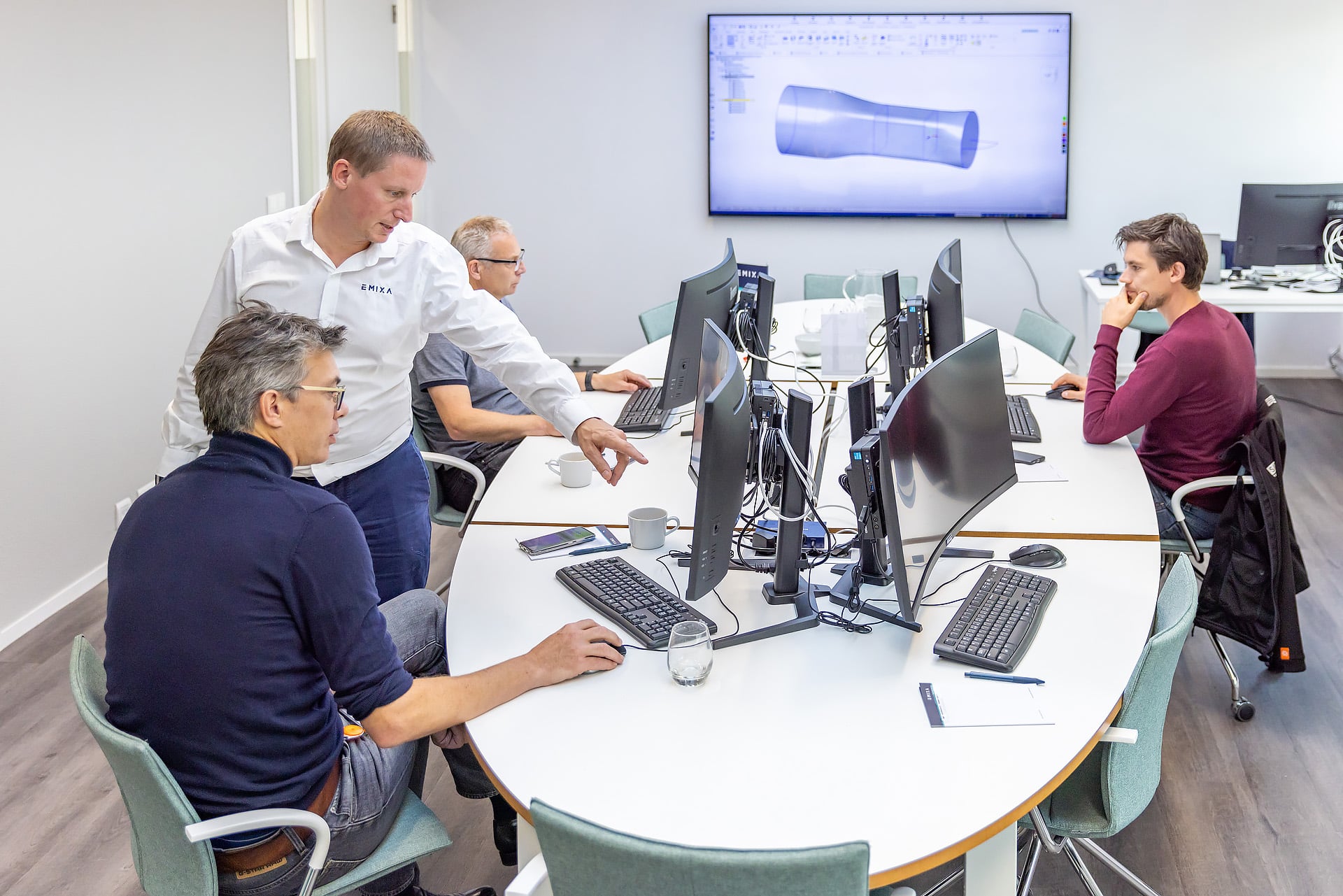
Effective training is key to the successful adoption of new processes and systems. At Ultimate Partner, we deliver practical training solutions that equip your team with the skills and confidence to succeed.

Designcenter

Solid Edge Essentials Training

Learn to create accurate 3D models, assemblies and engineering drawings
CPD Accredited   |  4 CPD Points

Designcenter

Solid Edge Sheet Metal Training

Master sheet metal modelling techniques in Solid Edge for efficient design and manufacturing

Designcenter

Solid Edge Advanced Assemblies Training

Master advanced Solid Edge assembly techniques for efficient product design and management

Designcenter

Solid Edge Simulation Training

Develop Solid Edge simulation skills to evaluate and improve product designs
Simcenter

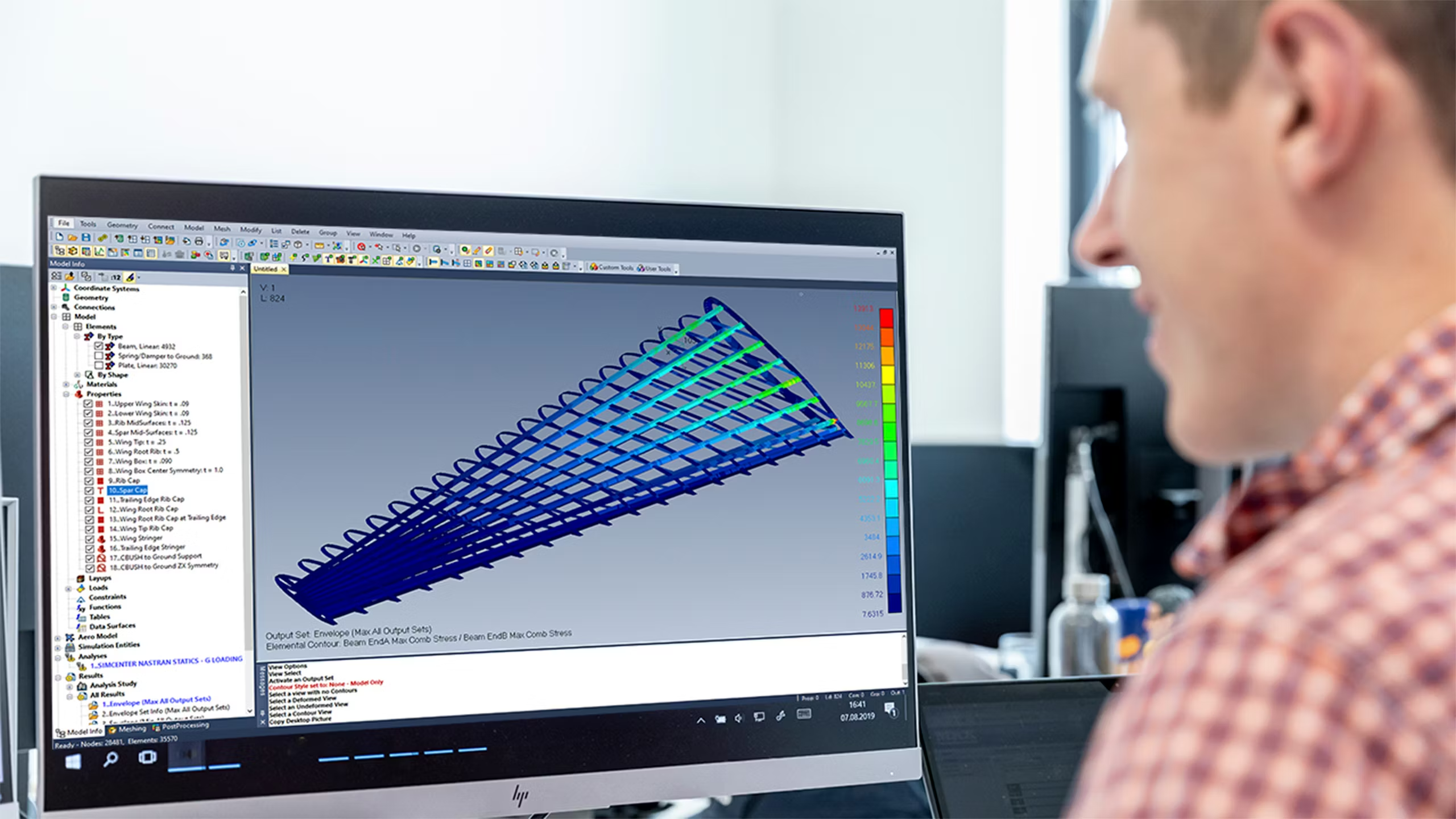
Simcenter FEMAP 101 Training

Build a strong foundation in Femap for confident finite element analysis (FEA)

Designcenter

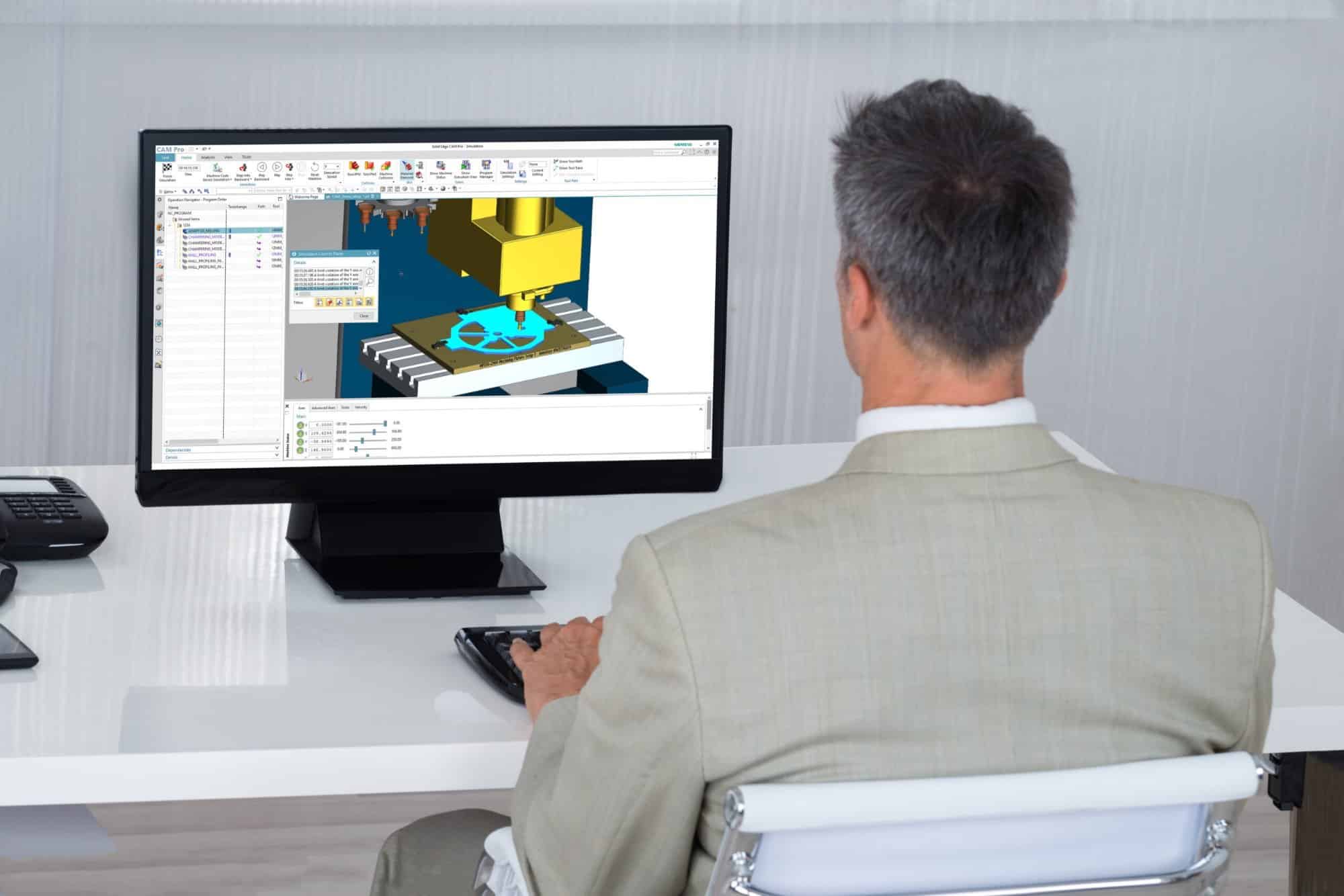
Solid Edge CAM Pro Training

Develop Solid Edge CAM Pro skills for CNC programming and toolpath creation
Designcenter

NX Turning Training

Develop NX CAM skills for creating efficient 2-axis turning toolpaths

Teamcenter

Teamcenter CAD Integration Training

Develop essential Teamcenter skills for managing CAD data and engineering workflows

Training Schedule

Browse the calendar for all our upcoming Training.

Get a Quote

Monday to Friday  |  8:00 – 17:00
Saturday, Sunday & Public Holidays  |  Closed

Have a Training Enquiry?
training@ultimatepartner.co.za

Great! We’ve received your information.

Voices of Ultimate Customers

Designers and engineers who are beginner to intermediate users of Solid Edge seeking to master fundamentals concepts

The Solid Edge Fundamentals training focuses on the essential skills and concepts central to the use of Solid Edge. It explores all the potential uses of production level solid modelling and introduces techniques to efficiently use Synchronous Technology. This training also provides and overview of the Solid Edge user interface, adding features, sketching tools and various techniques in the Traditional and Synchronous environment.

  • Get familiar with the Solid Edge User interface by creating sketch profiles, shapes and constructions.
  • Explore techniques to efficiently use Synchronous Technology such as manipulation model faces, using face relationships, using design intent, working with live sections and adding treatment features.
  • Using functional features, creating patterns of features, utilising plastic design features and the ordered modelling environment
  • Master the art of assembly design and creation.

Designers and engineers looking to gain a practical understanding of the concepts and skills central to the use of Solid Edge Sheet Metal

An overview of sheet metal modelling in both synchronous and ordered environments – Solid Edge Sheet Metal Design training.

Participants will become familiar with the user interface and learn how to effectively utilise design tools, profile/sketching tools, reference planes, and flat patterns to design parametric sheet metal parts.

  • Creating and constraining sketch profiles
  • Creation of base features
  • Creating sheet metal feature such as flanges, bend reliefs and more
  • Using deformation features
  • Creation of flat patterns and blanks
    Converting sheet metal files

Designers and engineers looking to learn how to optimally use the assembly environment within Solid Edge.

Solid Edge Advanced Assembly Training is designed to empower users with concepts and design tools that will boost their understanding and productivity within the assembly environment.

Participants will engage with the fundamentals of assembly design and management through instructor-led presentations and discussions. The techniques discussed in the training will be implemented through a series of practical activities. Upon completion of this training, participants will be able to construct functional and realistic assemblies.

  • Exploration of the user interface and tools
  • Designing parts in context of an assembly
  • Creating advanced assembly features and patterns of components and using assembly relationships
  • Creation and utilisation of system libraries
  • Designing and working with large assemblies
  • Using inspection tools and replacing parts of an assembly
  • Creating adjustable parts and alternate configurations of assemblies
  • Creating animations of an assembly using the Exploded Render Animation environment
  • Improving overall assembly management skills

This training is aimed at design engineers looking to use Solid Edge Simulation, or those who are currently using it and want to improve their knowledge.

In the Solid Edge Simulation Training you will learn how to reduce the need for physical prototypes with virtual testing, get products to market faster with reduced physical testing, innovate more by experimenting with designs virtually, reduce recalls by discovering product fails before it reached the customer, optimise material usage and minimise product weight and to execute redesigns faster with synchronous technology.

  • Introduction to finite element analysis (FEA)
  • FEA processes
  • Geometry
  • Meshing
  • Properties
  • Loads and boundary conditions
  • Connectors
  • Linear Static Analysis
  • Normal Modes Analysis
  • Linear Buckling Analysis
  • Heat transfer Analysis

Femap 101 is intended for designers, engineers and analysts who are interested in performing finite element analysis on single parts and/or more complex multi-part assemblies.

A comprehensive overview of Simcenter FEMAP – Femap 101 Training. This is inclusive of user interface basics, simulation functionality and an array of tips and tricks that will help the user maximize their finite element analysis (FEA) performance and output.

Enabling participants with the knowledge to understand and utilize Femap in various environments to overcome real-world design problems, this training is suitable for engineers and analysts who are beginners or intermediate users of Femap.

  • Effectively navigate the user interface, entity display and view manipulation
  • Create, import and modify 2D and 3D geometry
  • Create and edit meshes for beams, surfaces and solids
  • Create, change and manage loads as well as constraints on a model
  • Prepare and submit a finite element model for analysis
  • Use post-processing operations to review analysis results
  • FEA assembly modeling

This training is aimed at design engineers looking to use Solid Edge CAM, or those who are currently using it and want to improve their knowledge.

The Solid Edge CamPro Training focuses on the essential skills and concepts central to the use of Solid Edge CamPro. It explores all the potential uses of production level of digital Manufacturing and introduces techniques to efficiently use our Cam program. This course also provides an overview of the Solid Edge CamPro user interface, from tool creation to shop floor documentation and other various manufacturing techniques.

  • Creating Programs
  • Custom Features and Tips
  • Navigator Views
  • Coordinate Systems
  • Tool Creation
  • Mill Geometry
  • Face Milling
  • Cavity Milling
  • Assemblies
  • In Process WorkPiece(IPW)
  • Analysis
  • 3D Dynamics
  • Machine Control
  • Machine Cycle
  • Cutting Parameters
  • Adaptive Milling
  • Fixed Axis Contouring
  • Z Level Milling
  • Post Processing and Shop
  • Documentation

Experience Solid Edge CAD user, Foundation for CAM or Solid Edge CAD for CAM

Turning is the core turning class designed to convey concepts, functionality, and application of the turning module.

  • Part and Blank geometry Creation
  • Create and Retrieve tool from the library
  • Face Operations and IPW verification
  • Turning Operation and IPW verification
  • Centre Line Operations